
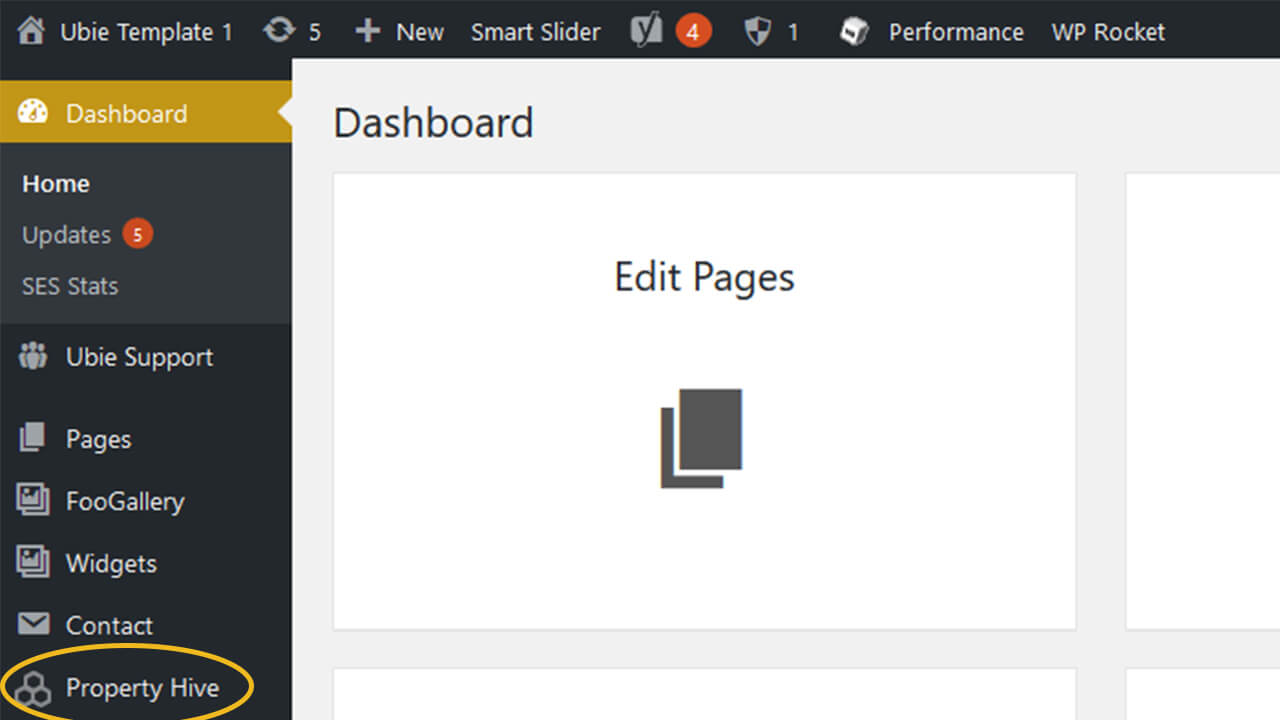
This article will take you through how to add a property to your Ubie property website.
First login to your website backend at yourdomain.co.uk/wp-admin and click the “Property Hive” button.

Now in property hive menu will be displayed below the button you have just clicked select the “Properties” button to open the properties page.
Now you will be able to see a list of all the properties which have been added to your site. To add a new property, press the “Add Property” button.
Next, add information about your property in all the fields in the centre of the page including uploading any Images you have of the property and once complete press “Publish”. (note: there are multiple tabs where you can add information about your property)
Now you can return to the properties page where your property should be visible.